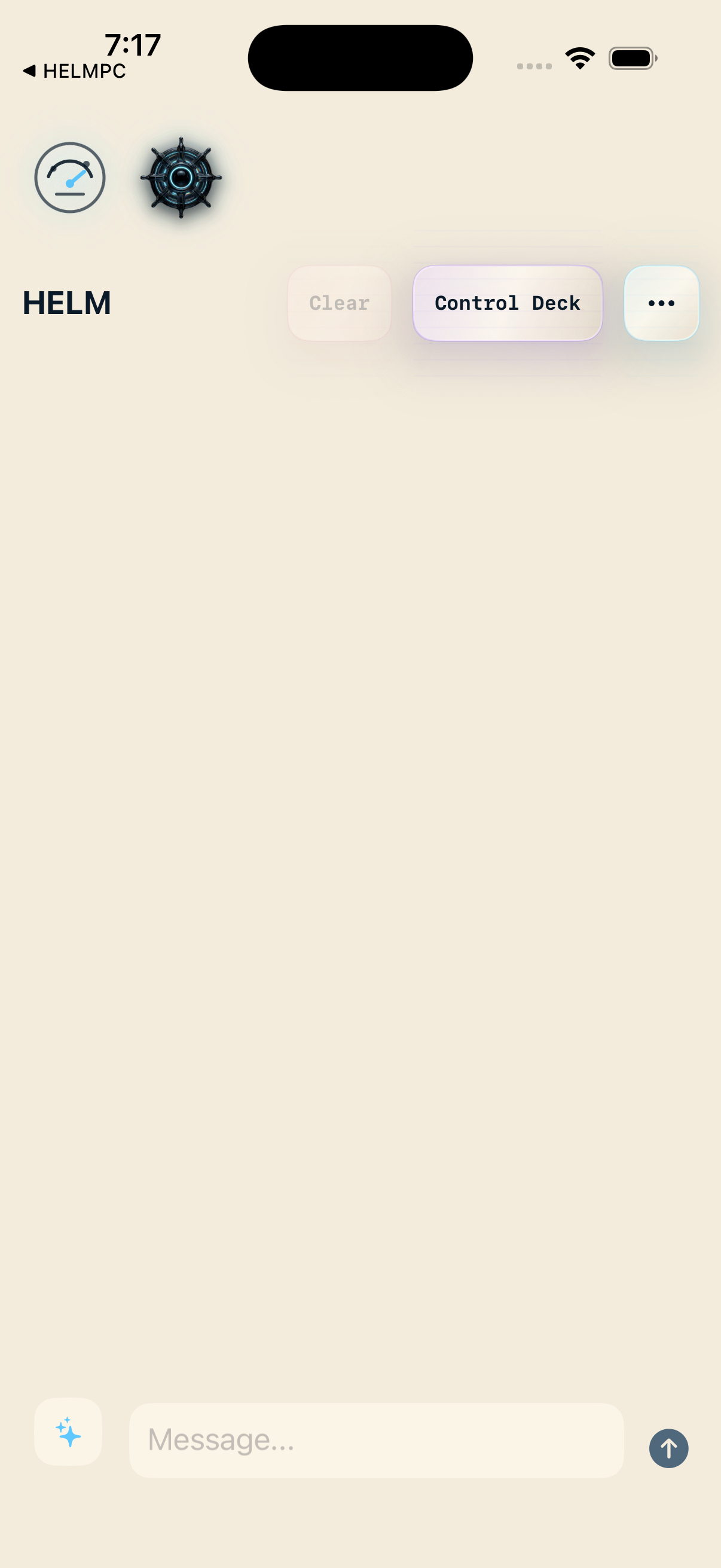
Opening (simulator, May 16)
Real grab from the iPhone Simulator used for this dad-pitch folder — your personal phone may differ slightly in fonts or spacing.
The anchor — your modular control room
Think of this app as the dashboard in a trustworthy workshop. It is where you aim the big assistants (HELM), pick which specialist app does the next job, and keep everything pointed at computers you own — not a rental service reading your mail.
$9.99 one-time on the App Store for the anchor SKU (when you buy the flagship).
Some panels already show a real phone grab from May. Empty frames simply mean “we owe you a prettier picture later” — the story beside each one is still true.
Real grab from the iPhone Simulator used for this dad-pitch folder — your personal phone may differ slightly in fonts or spacing.
Picture coming later
Home and everyday flow
We'll swap in a real phone screenshot when the layout is final. The write-up beside each row already tells you what you are looking at.
This is where you land after sign-in: the stuff you do often stays up front. The point is not to dazzle you with knobs — it is to get you to the right tool quickly, whether that tool lives inside AiMANAC or in a dollar sibling you installed.
Picture coming later
HELM — the dispatcher you can see
We'll swap in a real phone screenshot when the layout is final. The write-up beside each row already tells you what you are looking at.
HELM is the traffic cop for serious requests. Instead of pasting secrets into random websites, you ask here; the app routes the job to the right place (a sibling app, your own server, or an on-device model) and shows you enough trail to trust what happened.
Picture coming later
Connections — your machines, not ours
We'll swap in a real phone screenshot when the layout is final. The write-up beside each row already tells you what you are looking at.
This area is where you wire AiMANAC to backends you operate. If the line goes green, your workshop is reachable. If something is wrong, the app tells you in human language instead of a mystery error code.
Picture coming later
Settings, recovery, and the sibling shelf
We'll swap in a real phone screenshot when the layout is final. The write-up beside each row already tells you what you are looking at.
Family apps show up here like tools on a pegboard — install the ones you need, ignore the rest. Recovery paths are explicit so you are never locked out of your own data on purpose.
Future builds may add alternate layouts and orientations so the control room fits how you hold the phone or tablet.