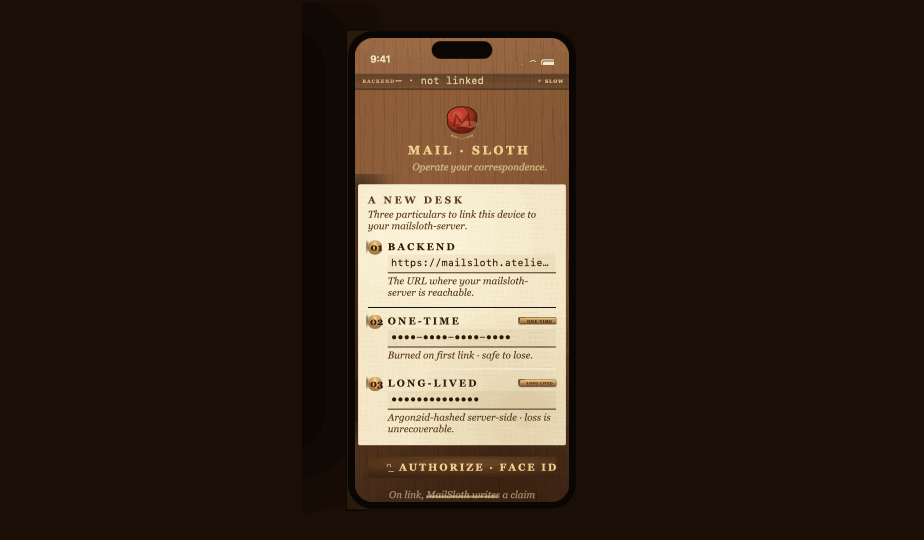
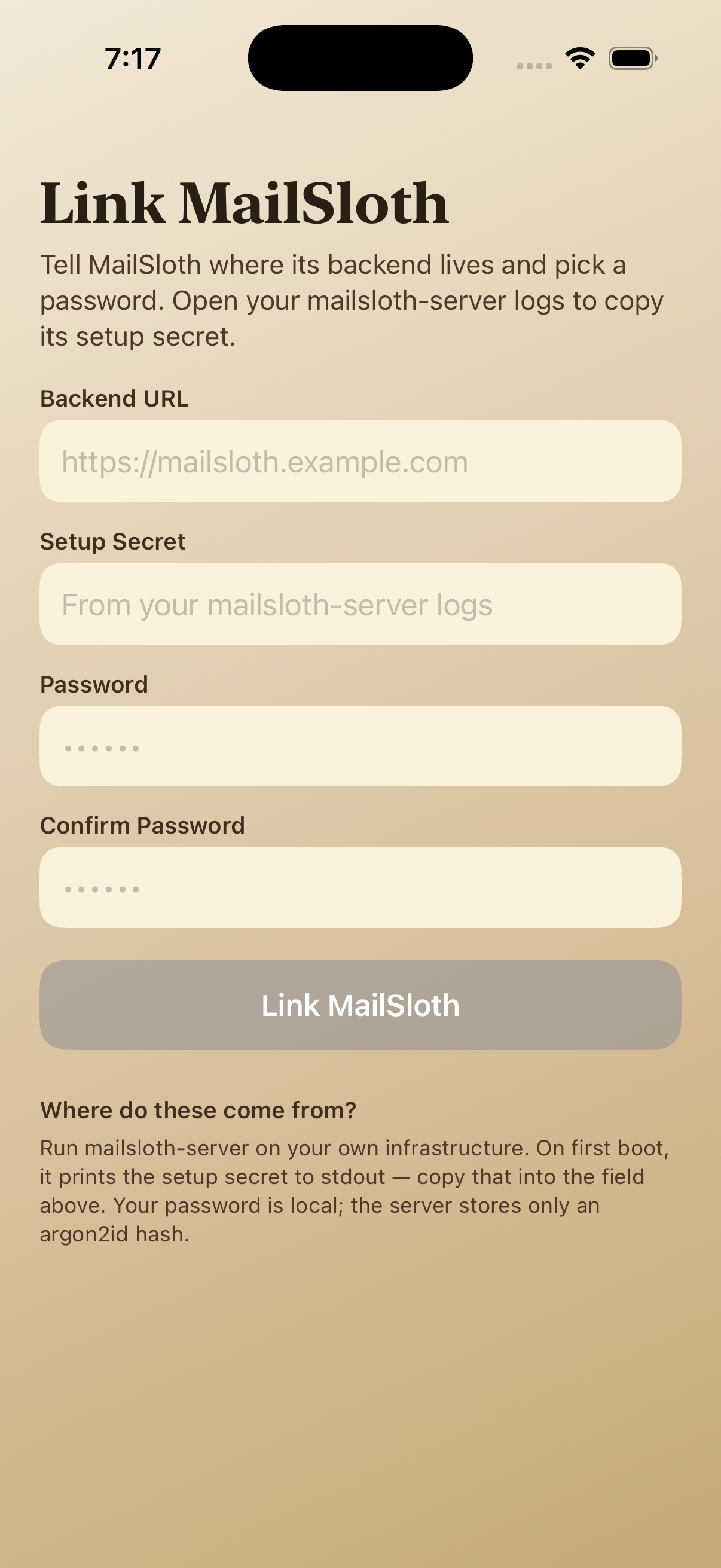
First boot
Intro plus server handshake. If your mail engine is reachable, the desk lights up; if not, you get a straight answer about what to fix on your network.
The writing desk for serious email
MailSloth is the handsome front desk for email that still runs on a server in your house. Templates, sorting slots, and send queues — without giving a SaaS company the keys to read every thread.
$1 one-time when listed.
When you see an empty frame, read it as “photo later.” The words beside each step already explain what that screen is for.
Intro plus server handshake. If your mail engine is reachable, the desk lights up; if not, you get a straight answer about what to fix on your network.
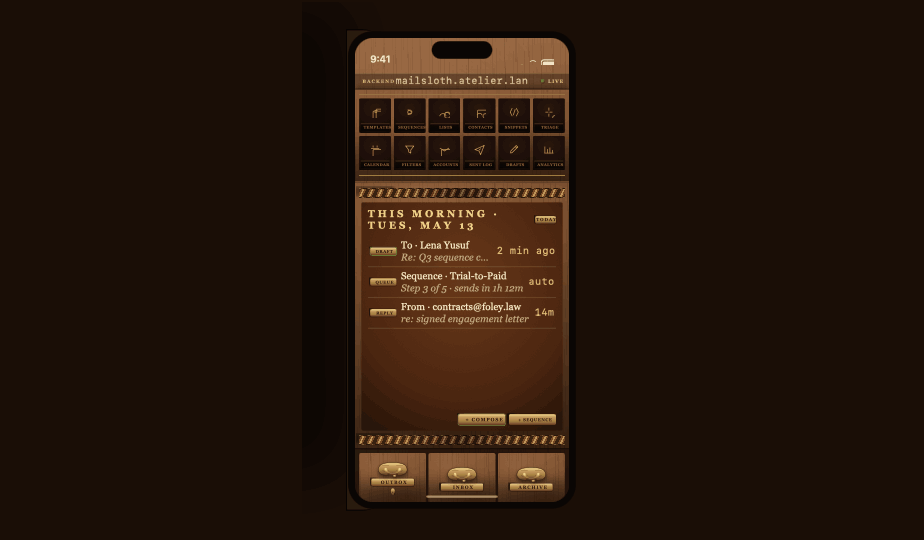
The main surface looks like a real writing desk: paper stacks for drafts, stamps for actions, and calm colors so email feels less like a fire drill.
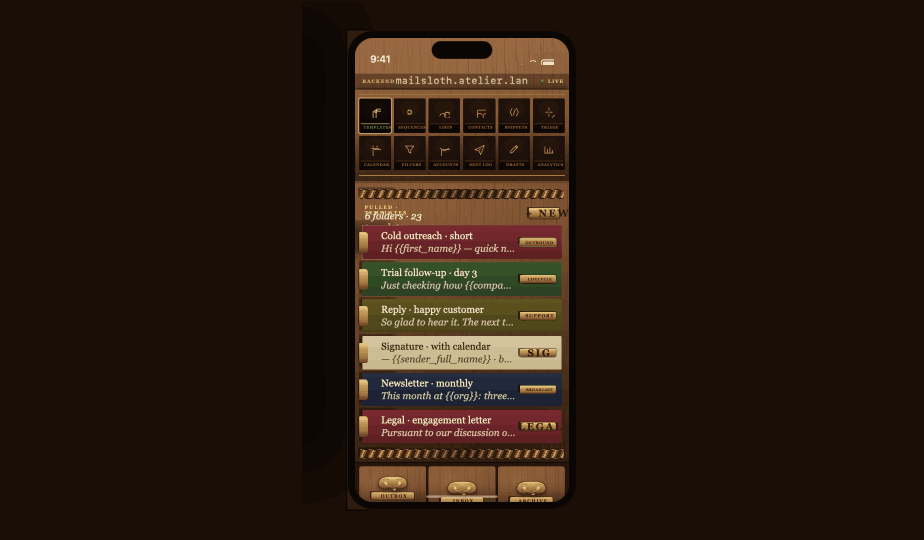
Pigeonholes are labeled slots for recurring mail jobs. Templates sit inside so you are not retyping the same polite paragraph every Monday.
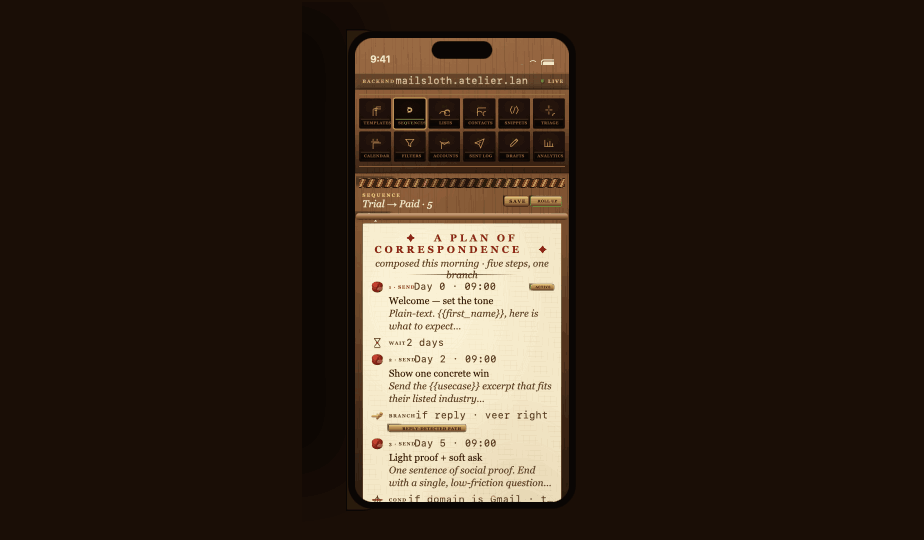
When mail needs to go out in an order — reminders, approvals, follow-ups — you see the sequence as a scroll you can skim like a checklist.
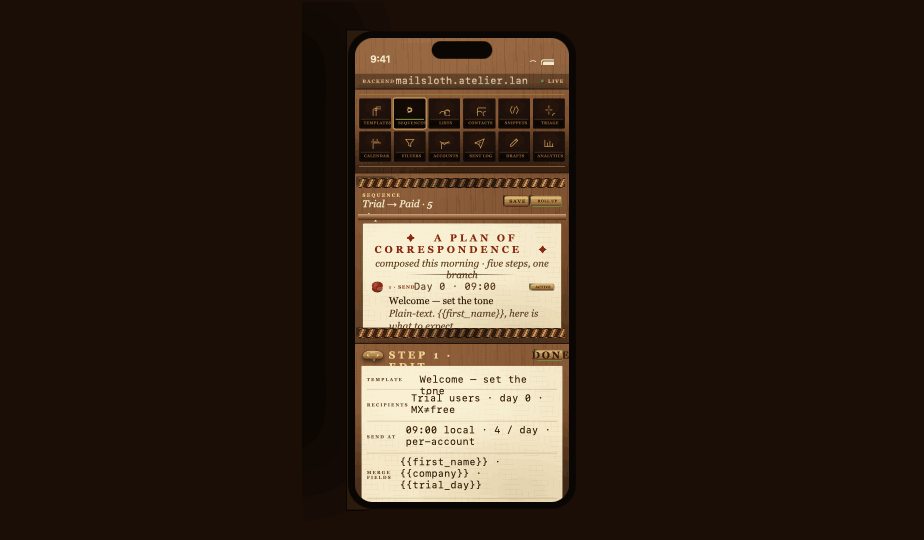
Tap a step to change wording, timing, or who gets copied. Nothing sends until you are happy; the app is a clerk taking notes, not a spam cannon.
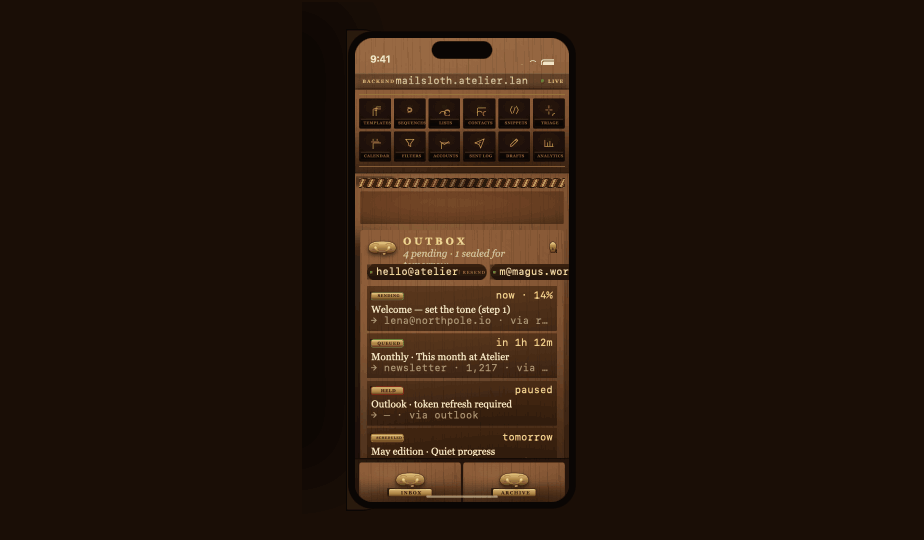
Think of the outbox as a drawer you pull open: queued sends sit here until you release them or until your server accepts the batch.
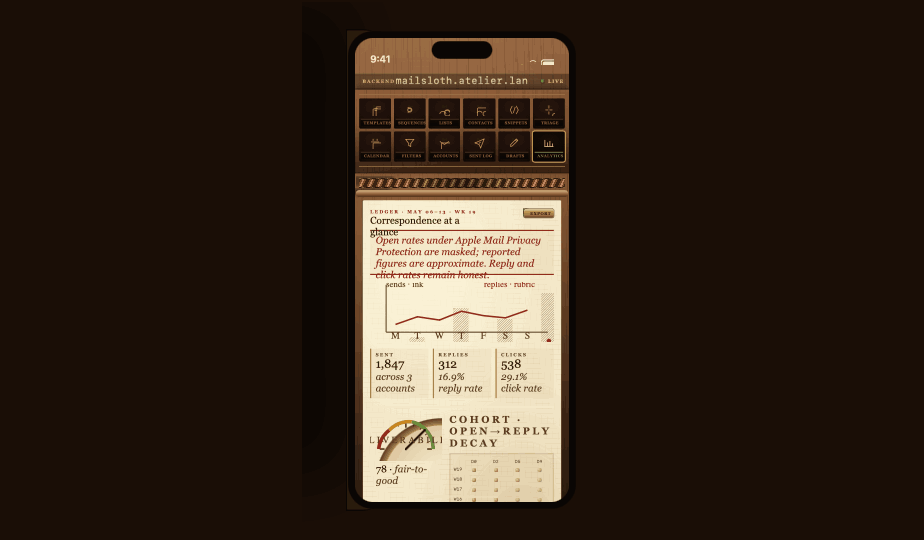
Lightweight stats — opens, bounces, queue depth — rendered like marginalia so you can spot trouble without learning a BI tool.
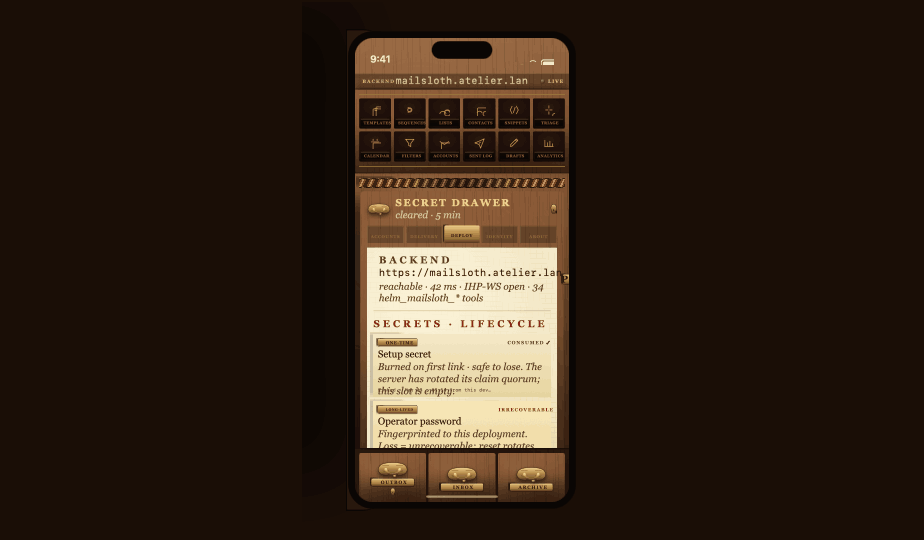
Where the boring grown-up stuff lives: server URL, credentials posture, reset tools aligned with the family safety kit.
Mail Sloth on the App Store. The support manual lists iOS build 35.Type is sized for comfortable reading on a phone, same as the rest of this family pitch.